$10 – $15
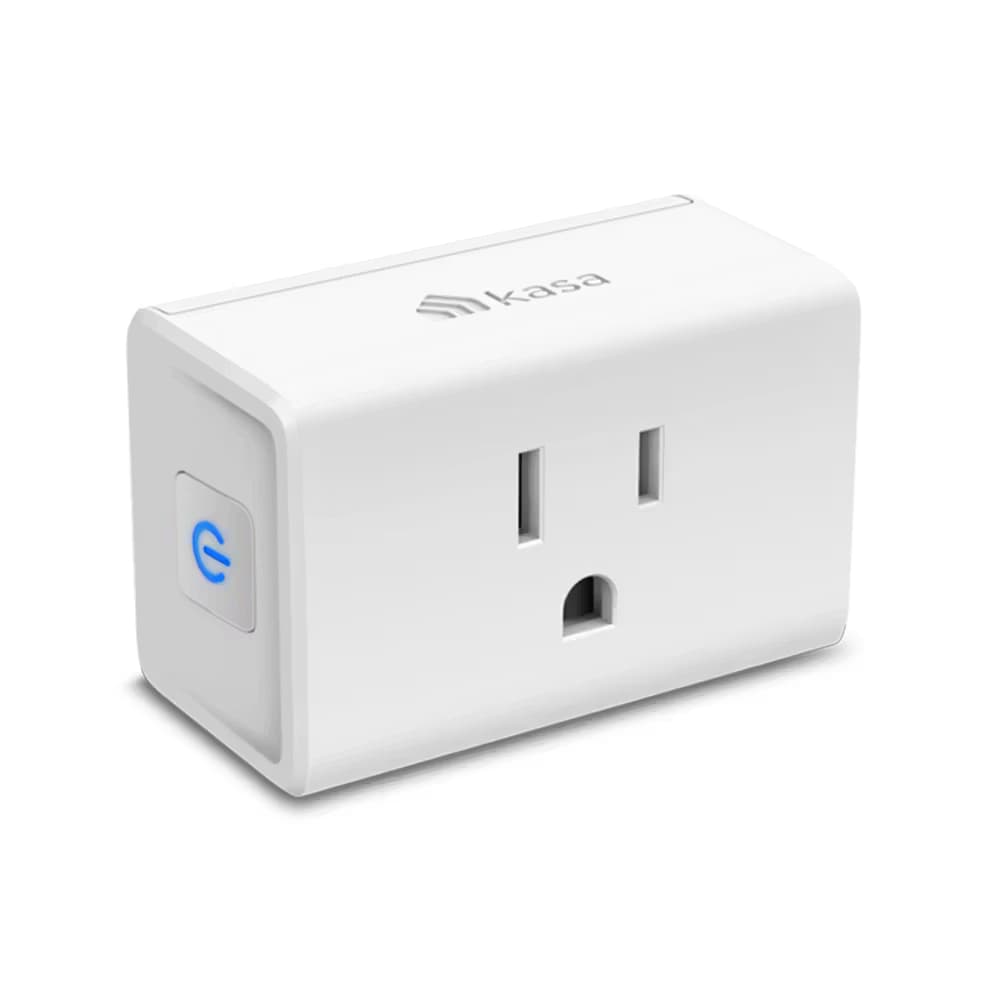
Slim smart plug with energy monitoring and Apple HomeKit support. Tracks power consumption via Kasa app. Works with all major platforms except Matter.
You want sunrise/sunset automation
Unique time-based scheduling tied to actual sunrise/sunset in your location
You use multiple ecosystems (Apple, Alexa, Google)
Works natively with HomeKit, Alexa, Google Assistant, and SmartThings - true multi-platform support
You're an entry-level smart home user or renter
Compact design, extensive voice assistant support, and budget-friendly at $20/unit or $50/4-pack
You want energy monitoring with HomeKit support
Best value smart plug with both real-time power tracking AND native Apple HomeKit/Siri control
You need seamless Home Assistant integration
Initially not supported by python-kasa - discovery issues reported, requires cloud authentication
You want to avoid cloud authentication entirely
Newer firmware requires TP-Link cloud credentials even for local control - cannot be fully local-only
You need precision energy measurements
Energy monitoring is 'good enough for household use' but not hyper-precise for scientific accuracy
You need Matter support
No Matter protocol - consider Kasa KP125M or Tapo P125M for Matter compatibility
Setup through Home app tries to connect to 5GHz WiFi - must use Kasa app first, then add to HomeKit
TP-Link CommunityDevices show 'not responding' in Home app less than a day after setup - persists even after factory reset
TP-Link CommunityEP25 not initially on python-kasa supported list - integration returns 'No devices found on network'
Sharing devices with other family members not supported in Kasa app
commonCause: App limitation - no multi-user sharing feature for smart plugs
Plug protrudes nearly 4cm (1.6 inches) from wall
commonCause: Design trade-off for internal components - may need extension cord to hide behind furniture
Setting up via Apple Home app instead of Kasa app first
Setup fails or connects to wrong WiFi band - HomeKit integration breaks
Tip: ALWAYS complete initial setup in Kasa app first, then scan HomeKit QR code during that process
Router using WPA3-only encryption
Device cannot connect to WiFi network
Tip: Change router encryption to Auto or WPA2/WPA3 mixed mode
Initial setup requires TP-Link cloud authentication with username/password
After initial auth, local control works via HomeKit and Home Assistant without internet
Kasa EP10
If: Don't need energy monitoring and want cheaper option
Kasa KP125M
If: Need Matter protocol support
Eve Energy
If: Want Thread/Matter without cloud dependency
You want HomeKit-compatible energy monitoring
Best value combination of HomeKit support + real-time energy tracking at $20/plug
You only use Alexa/Google and don't need energy monitoring
Get EP10 instead and save $10 per plug - same voice control without power tracking
You need precise scientific energy measurements
Good for household estimates but not accurate enough for research - consider dedicated energy monitor
They're basically identical except for retail channels. The KP125M variant adds Matter protocol support. Get whichever is cheaper unless you specifically need Matter.
Source: TP-Link CommunityYes, the slim compact design allows stacking two plugs on a standard duplex outlet without blocking either socket.
Source: Product SpecificationsWon't connect to Alexa out of the box even though Kasa app can see them
User ReportsApp crashes during factory reset process
rareCause: Software bug in Kasa app - usually recovers on retry
Schedules occasionally don't activate as planned
rareCause: Intermittent app/cloud sync issues
Having VPN enabled on phone during HomeKit setup
HomeKit accessory fails to add properly
Tip: Disable VPN on your iPhone/iPad before adding any HomeKit accessories
Not exiting FFS (First-time Factory Setup) mode before HomeKit config
Setup loops or fails repeatedly
Tip: Hold power button for 5 seconds to exit FFS mode, wait 15 minutes after power-up before setup
TP-Link collects account info and usage data through Kasa app
Newer firmware versions increasingly require cloud credentials even for older devices - no fully local-only option
You use multiple voice platforms (Siri, Alexa, Google)
Works natively with all major ecosystems - rare true multi-platform plug
Yes, but with caveats. Initially had discovery issues. Requires TP-Link cloud credentials for authentication, but actual control happens locally after initial setup.
Source: Home Assistant CommunityGood enough for household use - shows real-time and historical power consumption in watts and kilowatt-hours. Not hyper-precise for scientific measurements but fine for estimating energy bills.
Source: Expert ReviewsYes, native HomeKit support with Siri voice control. Setup must be done through the Kasa app first - it will prompt you to scan the HomeKit QR code during initial configuration.
Source: TP-Link Product Page