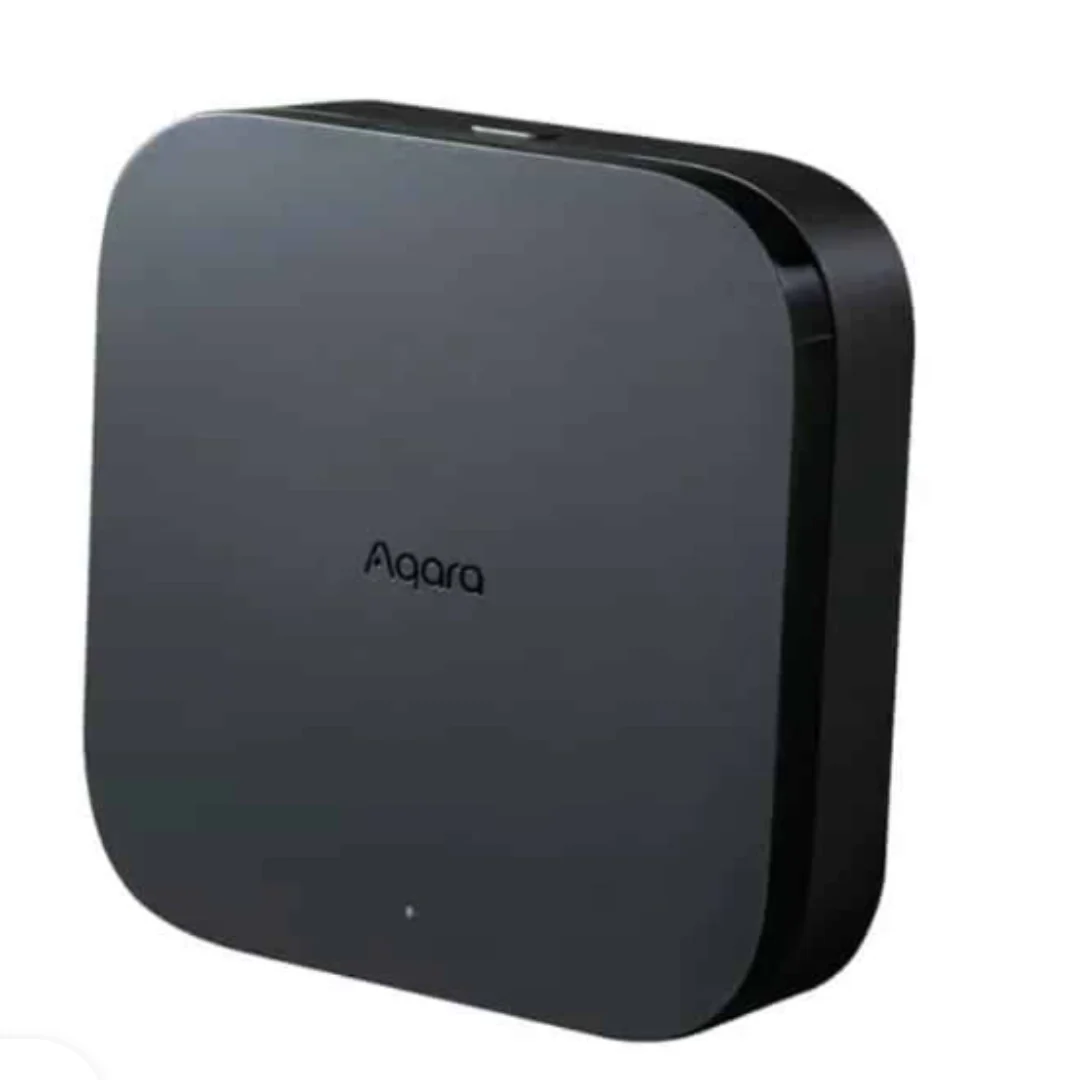
$110 – $130
Advanced Matter-ready hub with Zigbee 3.0, Thread border router, IR blaster, and PoE support.
You need flexible installation options
Supports horizontal placement, wall mount, ceiling mount, plus PoE and USB-C power options
You prioritize local control and privacy
8GB encrypted local storage processes automations on-device. No microphone or camera. Works during internet outages.
You have existing Aqara Zigbee devices
Seamlessly bridges existing Aqara Zigbee devices to Matter ecosystem while converting cloud automations to local Edge
You are building a Matter-based multi-brand smart home
Full Matter support with Thread border router allows cross-brand automations between Aqara, Nanoleaf, Eve, and other Matter devices
You have Z-Wave devices
No Z-Wave support at all - only supports Zigbee, Thread, and Matter protocols
You want third-party Zigbee device support
Still only works with Aqara-brand Zigbee devices - cannot pair IKEA, Hue, or other Zigbee brands
You rely on Apple Adaptive Lighting
Adaptive Lighting feature is lost when Aqara lighting connects to M3 instead of directly to HomeKit
You need a fully mature Matter hub
Matter support still work-in-progress with limited device compatibility and occasional glitches
Matter refuses to work on some UniFi network setups - hub shows as broken despite correct configuration
Aqara ForumHub randomly disconnects multiple times a day causing automations to fail and devices to stop responding
Aqara ForumDevice Binding feature (failsafe when hub down) did not work reliably in testing with certain devices
HomeKit News reviewLoses Apple Home security system function and AC controller exposure when using M3 as bridge
HomeKit NewsReleased with incomplete Matter support
widespreadCause: Aqara launched product before fully unlocking Matter features - retroactively responding to complaints
Own Thread sensors could not be added at launch
commonCause: P2 sensors launched before hub was ready - Thread devices still cannot be used in Aqara security system
No power adapter included
widespreadCause: Cost-saving decision - requires at least 5V 2A USB adapter purchased separately
Still only supports Aqara Zigbee devices
commonCause: Despite Matter support, Zigbee compatibility remains locked to Aqara brand only
Connecting via network switch instead of direct to router
Hub fails to connect or experiences frequent disconnections
Tip: Connect M3 directly to router via Ethernet, not through network switches or extenders.
Plugging in Ethernet after starting WiFi setup
USB cable gets in the way and requires power restart to switch connection method
Tip: Decide on Ethernet or WiFi before starting setup. If using PoE, plug in Ethernet first.
Using QR code from manual instead of device
App does not accept typed codes or manual QR codes for security devices
Tip: Scan the MagicPair QR code directly on the Hub M3 device - it is a security-grade device requiring on-device verification.
Push notifications, weather/sunrise triggers, geofencing automations, remote access when away from home
All Edge automations continue locally. Device control works via LAN. Zigbee and Thread devices operate normally. Hub connects to app over local network during outages.
Stores automation config, device logs, and sensor data in 8GB encrypted local storage. No microphone or camera hardware. Data encrypted end-to-end.
Strong privacy design with local processing priority. WPA3 security for WiFi. No voice recording capability. Security-grade device classification requires QR verification.
Tested with up to 127 devices
Supports 64 direct child devices or 127 devices with Zigbee routers/Thread mesh extenders. Faster processor than M2 handles many devices more smoothly. Acts as primary hub over other Aqara hubs in cluster.
Only Aqara-brand Zigbee devices supported. No Z-Wave. Thread device selection still limited. Matter compatibility only for "select device types" with more promised in future updates.
Samsung SmartThings Hub
If: Need support for third-party Zigbee and Z-Wave devices
Home Assistant Yellow
If: Want maximum flexibility and open-source control
Aqara Hub M2
If: Just need basic Aqara setup without Matter/Thread
You have existing Aqara Zigbee devices and want Matter
Best way to bridge existing Aqara ecosystem to Matter while adding Thread support and local Edge automations
You need a mature brand-agnostic Matter hub
Matter support still incomplete - SmartThings or Homey offer better cross-brand Matter compatibility today
You prioritize privacy and local control
Excellent privacy design with no mic/camera, encrypted local storage, and automations that work offline
You are new to smart home with no existing devices
Good future-proof choice but $130 is steep for beginners. Consider M2 at $60 if you only need Zigbee basics.
Upgrade if you need Matter/Thread support, faster processor, PoE option, or 5GHz WiFi. Stay with M2 if you only use Zigbee devices and IR control - M2 is still excellent for basic setups.
Source: Multiple reviews64 devices directly connected, or up to 127 devices when using Zigbee router devices or Thread mesh extenders.
Source: AqaraYes, for local control. All Edge automations run locally during outages. The app can connect via LAN. Only push notifications, weather triggers, and geofencing require internet.
Source: AqaraNo. Despite Matter support, the M3 still only works with Aqara-brand Zigbee devices. Third-party Matter devices work, but not third-party Zigbee.
Source: Aqara ForumNo. The M3 supports Zigbee, Thread, and Matter but has no Z-Wave radio. This is the only major protocol not supported.
Source: PCWorld