$35 – $50
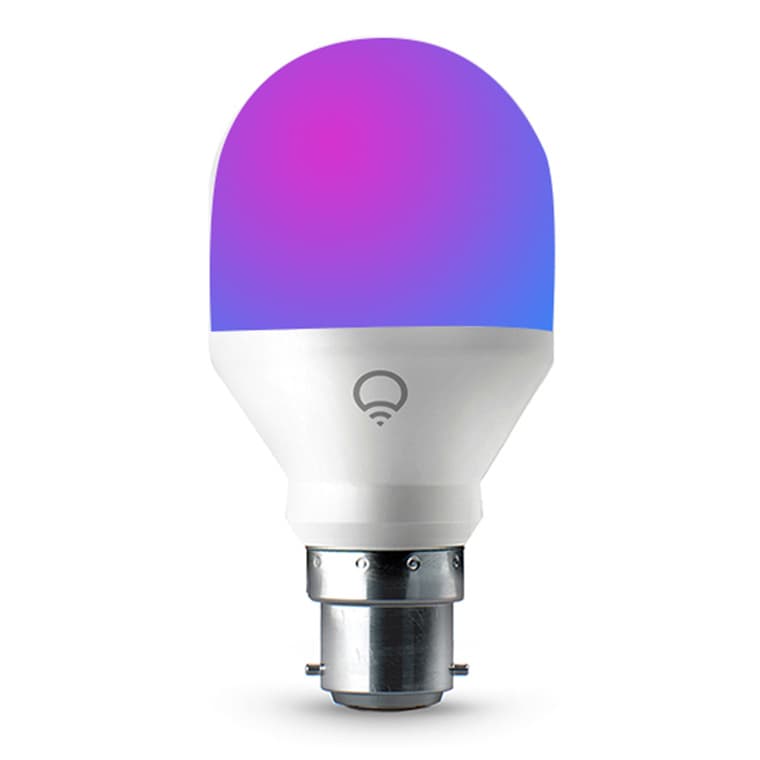
Premium WiFi color smart bulb with billions of colors. No hub required - connects directly to WiFi. Wide 1500K-9000K color temp range.
You use multiple ecosystems
Matter-supported, works with HomeKit, Alexa, Google, SmartThings - no hub required for any
You want excellent color quality
High 90+ CRI for vivid colors and true-to-life whites - superior color accuracy
You want the brightest smart bulb
1100 lumens of power - seemingly the most powerful smart bulb on market, unmatched brightness
You want no hub required setup
Direct WiFi connection - easiest setup from box to working. No bridge or hub needed at all
You have weak or congested WiFi
Each bulb connects directly to WiFi - weak signal causes frequent disconnects
You want automatic circadian rhythm
No ambient light sensors or embedded ML - LIFX outsources intelligence layer unlike Hue/Nanoleaf
You plan to install many bulbs
Each bulb is separate WiFi device - 20+ bulbs can overload consumer routers
You only have 5GHz WiFi
Requires 2.4GHz network - doesn't work on 5GHz only networks
Dual-band WiFi networks cause connectivity issues - bulbs prefer 2.4GHz but can get confused
LIFX SupportWeak or noisy WiFi is most common cause of random disconnects - sensitive to signal quality
LIFX CommunityEnterprise WPA or WPA3 security settings may not be supported - connection failures
LIFX SupportOlder A19 models didn't ship with HomeKit code - requires code recovery process
LIFX SupportWiFi connectivity problems
commonCause: Direct WiFi connection sensitive to network quality, dual-band confusion, signal strength
No automatic circadian rhythm support
commonCause: No ambient light sensors or ML models - must manually adjust or use external automation
Older models missing HomeKit code
rareCause: Pre-HomeKit A19 models require code recovery process for Apple Home setup
Can overload WiFi networks with many bulbs
commonCause: Each bulb is separate WiFi client - consumer routers struggle with 20+ devices
Using 5GHz WiFi network for setup
Bulb won't connect - LIFX only works on 2.4GHz
Tip: Disable 5GHz temporarily during setup or use separate 2.4GHz SSID
Using WiFi extenders during setup
Connection issues and unreliable performance
Tip: Connect directly to main router with strong 2.4GHz signal
Using WPA3 or enterprise security
Bulb may not support these security protocols
Tip: Use WPA2 Personal security for most reliable connection
Older A19 expecting HomeKit code in box
Pre-HomeKit models don't include code - can't add to Apple Home
Tip: Use LIFX app's HomeKit Code Recovery process to generate code
LIFX app remote access, some third-party integrations, firmware updates
Matter enables local control without cloud - HomeKit works locally on same network
LIFX collects usage data through their app - can avoid with local-only Matter setup
WiFi-based means bulbs are on your network - Matter update improves local control options
Philips Hue White and Color A19
If: Need more reliable connectivity
Nanoleaf Essentials A19
If: Need similar hub-free setup at lower price
Govee Smart Bulb
If: Need budget hub-free option
You want easiest possible setup without hub
Simplest setup from box to working - direct WiFi, no bridge needed, app is easy
You have poor WiFi or many smart devices
WiFi-based means connectivity issues if signal is weak or network is congested
You want the brightest, most colorful bulb
1100 lumens with 90+ CRI - unmatched brightness and color accuracy
You want automatic circadian lighting
No ambient sensors or built-in ML - Hue or Nanoleaf better for autonomous adaptation
LIFX is easier to set up (no hub) with brighter colors. Hue is more reliable (Zigbee mesh) with better ecosystem and circadian features. Choose based on your priority: simplicity (LIFX) or reliability (Hue).
Source: Livingetc1100 lumens (75W equivalent) - one of the brightest smart bulbs available. The Everyday version offers 800 lumens (60W equivalent) at lower price.
Source: Modern CastleYes, LIFX supports HomeKit natively. Newer bulbs include HomeKit code in box. Older A19 models need to use the HomeKit Code Recovery process in the LIFX app.
Source: LIFX SupportMost common causes: weak WiFi signal, dual-band network confusion (use 2.4GHz), too many devices on network, or incompatible security (use WPA2). Try moving closer to router.
Source: LIFX SupportNo, LIFX connects directly to your WiFi - no hub, bridge, or additional hardware needed. This is one of its main advantages over Philips Hue.
Source: Make Life Click